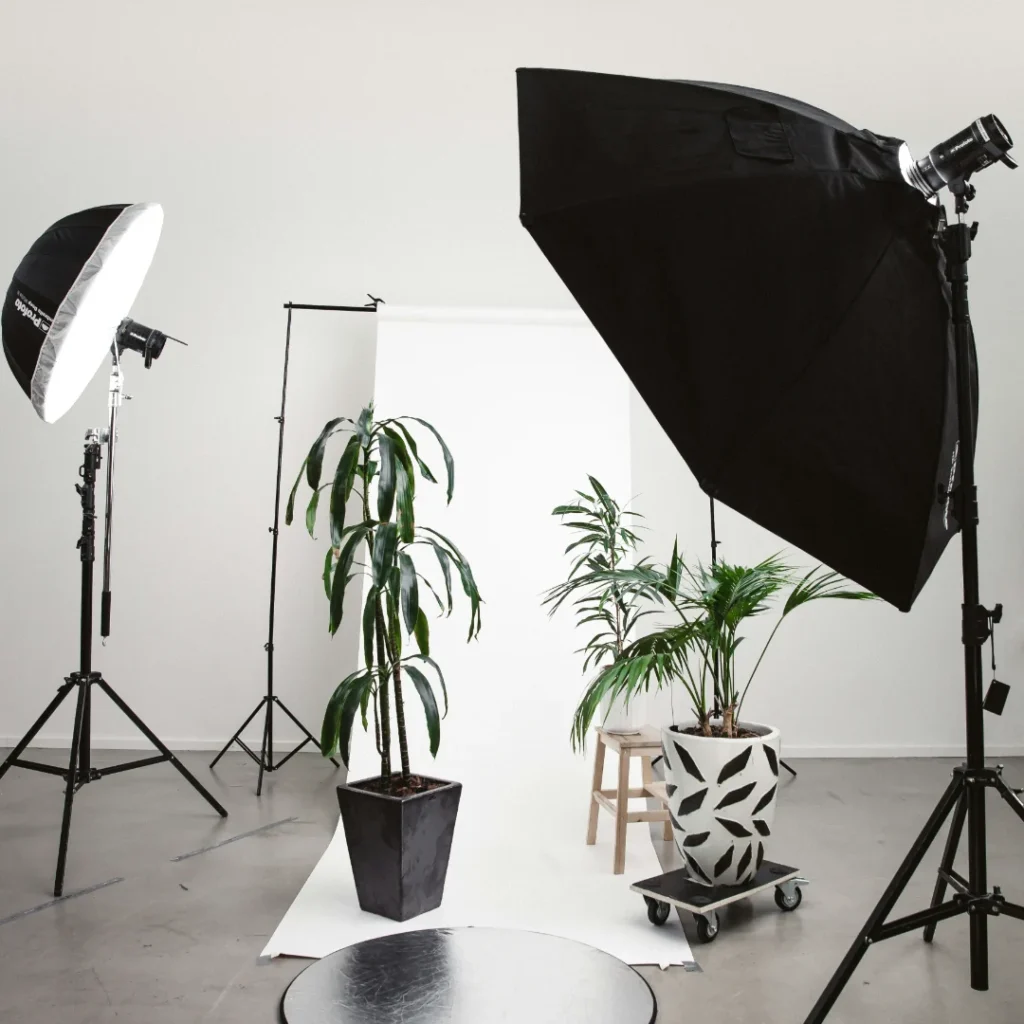
A light box for product photography is worth it for small, matte or lightly glossy products when you want even light and a clean white background without much setup. It is a poor fit for glass, strong reflections, and any product that needs shadows to show its shape. Shopify’s 2026 DIY guide lists lightboxes as useful for small to medium products, and it also warns that the even light can flatten a product, according to Shopify’s product photography guide.
What a Light Box Does
A light box, also called a light tent, is a small enclosed white space that diffuses light around a product. Shopify describes the benefit as even lighting with fewer shadows. You place the product inside on the white background, switch on the built in lights if the box has them, and adjust for even illumination. For more control, you can add external lights.
Light Box for Small Product Photography
Light boxes suit small product photography best, since the box must be large enough to fit the product with some space around it. Shopify says they work for small to medium sized products.
Good fits: small matte items such as soaps, candles, stationery, small accessories, and packaged goods with matte surfaces.
Tricky fits: shiny items, because the light box walls and lights show up as reflections, and white products on the white base, which can blend in, as covered in our guide on white on white photography.
Poor fits: large products, which will not fit, and products where you want strong shape and shadow.
Our guide on catalog photography equipment setup and our guide on lighting for product photography techniques cover the wider equipment picture.
The Trade Off Most Guides Skip: Shadows
Even, shadowless light sounds ideal for a product photo, and Shopify questions that assumption. In the same guide it says “shadows are important for creating product shape and providing a sense of place.” A light box can produce a clean, flat result where a bit of directional light would show more form.
Shopify also notes that window light is often preferable because it is a simple one light setup, and that a light tent moves you into a multilight setup that needs more technical knowledge. It lists cost, color balancing across lights, and flash complexity as the main challenges, and says lightboxes and extra lights can potentially cost more than hiring a professional. If you are weighing that tradeoff, our guide on product photography pricing shows what photographers charge.
How to Use a Light Box for Product Photography
Place the product on the white base. Keep it away from the walls so edges stay clean.
Use a tripod. Shopify recommends one for consistent framing across shots.
Start with these camera settings. Shopify suggests ISO 100 to 200 and an aperture around f/8 to f/11 for still products, then adjusting shutter speed until the exposure looks right.
Check the histogram. Do not trust the camera preview alone. Our guide on the histogram explains what to watch for.
Set white balance. Different lights have different color temperatures, so match white balance to your light source, and use a gray card in a test shot if you need accuracy. Our guide on white balance covers the steps.
Fix a gray background in the edit. Shopify says a gray background usually means the camera metered for the white and underexposed the shot. It suggests overexposing slightly, by 1 to 1.5 stops, then using Whites or Levels to push the background to pure white.
DIY Light Box for Product Photography
A basic DIY light box needs a box or frame, white translucent material for the walls, a white base, and a couple of lights placed on the sides and top. Pure white materials are easier to edit than off white or cream ones, as Shopify points out about backgrounds in general.
Start simple. A homemade box is a cheap way to test whether even light works for your products before buying anything.
Watch for color casts. Cheap lights and colored fabric can tint a white box, so check a test shot.
Keep the opening large enough for you to position the camera without casting shadows inside.
Our guide on DIY product photography and our guide on jewelry photography kits cover related setups.
Best Light Box for Product Photography: What to Look For
Rather than a brand, look for features that match your products:
Size. The interior should fit your largest product with margin on every side.
Even diffusion. Hot spots and dim corners mean uneven light.
Pure white interior. A neutral interior keeps color accurate.
Adjustable lighting. Controls for brightness and angle help you shape the light.
Easy access. An opening that lets you adjust the product without moving the camera.
When a Light Box Falls Short
Shopify says clear or highly reflective products, such as glass and polished metal, typically need a multilight studio setup and deep technical knowledge, and that a light tent can help by creating clean, even reflections. Our guides on photographing glass and why reflective products break normal masking explain why these products are harder, in the shoot and in editing.
Finish the Photos
Even light does not always give a finished photo. You may still need a pure white background, cleanup of dust and edges, and a soft shadow to ground the product. Our guides on the plain white background and the shadow effect cover those steps. Dropicts lists remove background, color correction, shadow, and crop among its editing types, and states that its Pay as You Go service edits the first image free. You can start through the Dropicts quote page.
Frequently Asked Questions (FAQ) about Light Box for Product Photography:
Is a light box good for product photography?
Yes for small, matte or lightly glossy products where even light and a white background matter. It is a weaker choice for reflective products or items that need shadows to show their shape.
What is the difference between a light box and a light tent?
They do the same job, and the terms are often used interchangeably. Both enclose the product in a white diffusing space so the light spreads evenly.
Can I make a DIY light box for product photography?
Yes. A box or frame, white translucent walls, a white base, and a couple of lights are enough to test the idea. Check test shots for color casts before relying on it.
Why does my light box background look gray?
The camera usually meters for the bright white and underexposes the image. Overexpose slightly and brighten the background to pure white in editing.