
There are many reasons you might want to blur part of an image. Some people use it to create an aesthetic bokeh effect, while others need it to conceal private information, such as license plates or sensitive text. Whatever your reason, learning how to blur part of an image is a valuable skill for both professional and casual photography.
In this article, Dropicts will show you three easy methods to blur part of an image on your mobile device. These techniques are simple, effective, and can instantly improve the look of your photos.
Why I Need To Blur Part of an Image Background
Blurring part of an image background is not only useful for privacy but also for design and visual focus. Here are a few common reasons:
-
Directing attention – By blurring the background, you draw the viewer’s attention to the subject as the main focal point.
-
Hiding distractions – Blur helps remove unwanted objects that might take away attention from the subject.
-
Creative designs – Blurred images are perfect for marketing materials, presentations, and social media posts, as they allow text overlays without distracting viewers.
With these benefits, mastering how to blur part of an image can significantly improve your photo editing skills.
How to Blur Part of an Image
There are numerous ways to blur the entire picture or just a part of it. Even a mobile phone camera already has a feature that allows you to create a blur effect. For an extra touch, you can opt for photo editing tools to blur images.
Here are several methods that you can try to create a blur effect:
1. Mobile Camera
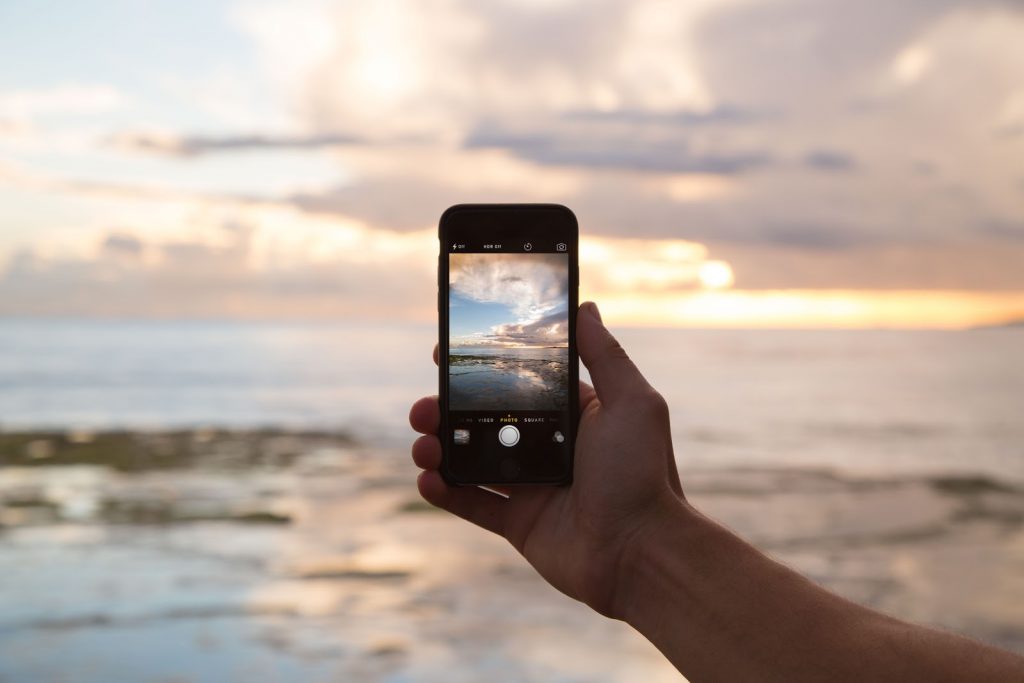
As mentioned above, most mobile cameras nowadays can help you create a blur effect easily. Mobile cameras achieve this by utilizing an autofocus feature that enables you to focus on or highlight specific parts while blurring the objects around them.
It is the easiest way to blur your image. When you try to take a picture, touch the part that you want to focus on. For example, if you’re going to take a picture of a flower in your garden, you can gently touch the flower, and your camera will automatically focus on it while blurring the background.
Since this blur is created automatically, there are many limitations to this method. For starters, this method does not provide other kinds of blur, such as radial blur. The bokeh effects created using a mobile phone camera are surely not as good as those created using a professional camera or blur tool. So, if you think the blur photo effects provided by your mobile camera are not enough, you can try the following method.
2. Instagram
You are more likely to know Instagram as a social media platform. However, have you ever considered using Instagram as an online tool to edit your images?
Instagram has an editing tool called ’tilt shift’. This feature enables you to apply a radial blur or a linear blur to your photo. The problem with using this feature is that it focuses primarily on the middle of the frame image. So, you can’t change the position of the primary focus or the part you want to blur.
Read also: How to Change Background Color on Instagram Story
3. Photo Editing Apps
If you are looking for a cool blur effect, consider using photo editing apps. Software such as Adobe Photoshop has all the tools you need to create a cool blur effect. Apps allow you to blur the desired area and help you easily blur the background of an image.
If you only want to add a blur effect, then you might not need an all-in-one editing app such as Photoshop that can also be used to retouch an image even further. There are tons of paid and free versions of apps that can help you create a blur effect. Here are some recommendations for you:
- PicsArt
- Adobe Photoshop Express
- Prisma
- VSCO
- Canva
One of the best things about using apps nowadays is that most of them are user-friendly. You can easily figure it out on your own, or if you want to learn more about specific apps, tutorials are readily available online. With just a few clicks, you can easily blur the whole or part of a picture.
Make sure to back up the original image, just in case you want to use another effect. Photo editing applications generally automatically save the edited image separately from the original image, so you don’t have to worry about it. But, just in case, you can still make a copy of the original image in your photo library.
Let The Expert Makes Your Photo Looks Great
There are three ways to blur part of an image on mobile. It is straightforward to try.
You can create a blur effect using the default camera application or a third-party application, such as Instagram or other similar apps. Today’s camera app is a strong photography equipment on its own, and you can definitely get more help by using a third-party app. Feel free to continue experimenting with how to blur part of a picture to achieve the best possible result.
With the help of online apps, you can blur part of a picture with just a few clicks. But, if you wish to make your photo look great and not just a random blur without any editing that can make your photo stand out on your social media or for your professional platform, then you can try Dropicts’ image editing service that won’t let you down.
Image Source:
