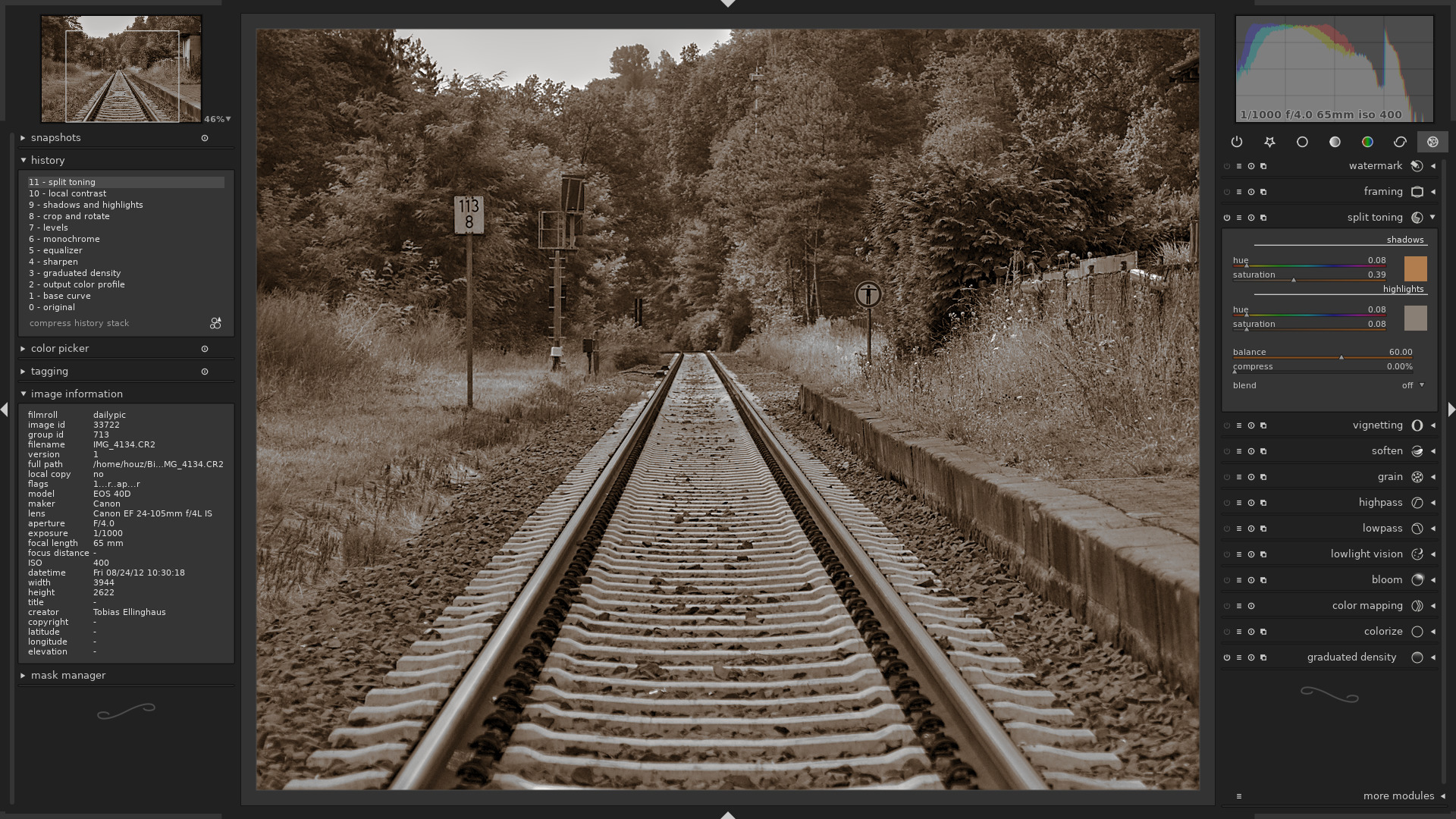
Darktable photo editing might sound a bit technical at first, but once you get into it, it’s actually one of the most powerful (and underrated) tools for photographers today. Whether you’re just starting out or already playing around with advanced edits, Darktable offers a clean, professional workflow without costing you anything.
If you’ve been relying on expensive software or looking for a solid free alternative, this guide will walk you through everything you need to know in a simple, no-confusing-terms way.
What Is Darktable Photo Editing?
At its core, darktable photo editing is a non-destructive editing process using the Darktable software. That means your original photo stays untouched while you experiment with edits freely.
Think of it as a digital darkroom (that’s literally where the name comes from). It’s designed mainly for photographers who want full control over their images, from basic adjustments to advanced color grading.
Unlike simple apps, Darktable is more like professional tools used in the industry, though with a slightly steeper learning curve.
Read also: Learn Photoshop for Beginners
Is Darktable Completely Free?
Yes. Darktable is 100% free.
There’s no trial version, no hidden paywalls, and no premium upgrades. It’s an open-source software, which means:
- You can download and use it without paying
- It gets regular updates from the community
- You’re not locked into subscriptions
For beginners or creators on a budget, this alone makes darktable photo editing extremely appealing.
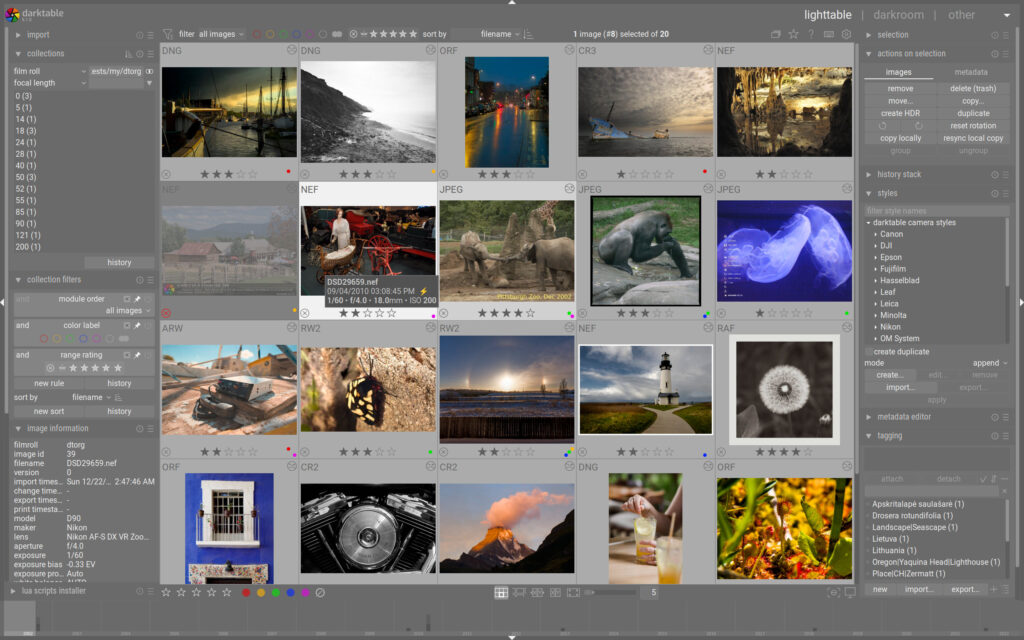
Can Darktable Edit RAW Photos?
Absolutely. And this is where Darktable really shines.
Darktable photo editing fully supports RAW files, which are high-quality image formats captured directly from your camera sensor.
Why does that matter?
RAW files give you:
- More detail in highlights and shadows
- Better color accuracy
- More flexibility during editing
Darktable processes RAW images using advanced algorithms, allowing you to recover details that would be impossible with JPEG files.
So if you’re serious about photography, using Darktable with RAW files is a big upgrade.
Read also: Cinematic Color Grading
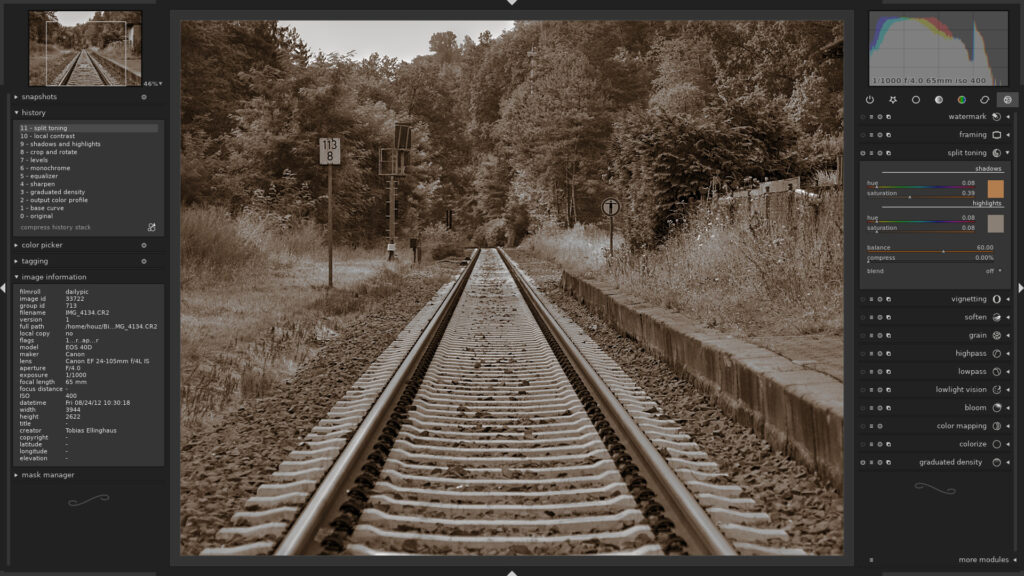
Is Darktable a Good Photo Editor?
Darktable is a great photo editor if:
- You want professional-level editing tools
- You’re okay with a bit of a learning curve
- You prefer free, open-source software
However, it might feel overwhelming if you’re used to super simple apps.
Here’s a quick breakdown:
Pros:
- Completely free
- Powerful editing tools
- Excellent RAW processing
- Non-destructive workflow
Cons:
- Interface can feel complex at first
- Not as beginner-friendly as some apps
Overall, darktable photo editing is a solid choice, especially if you’re willing to spend a little time learning it.
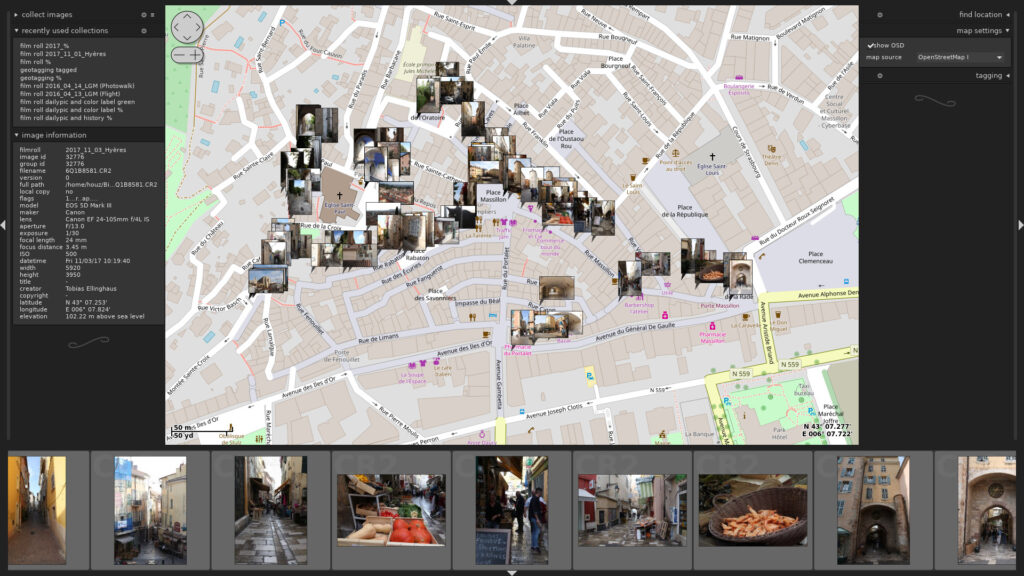
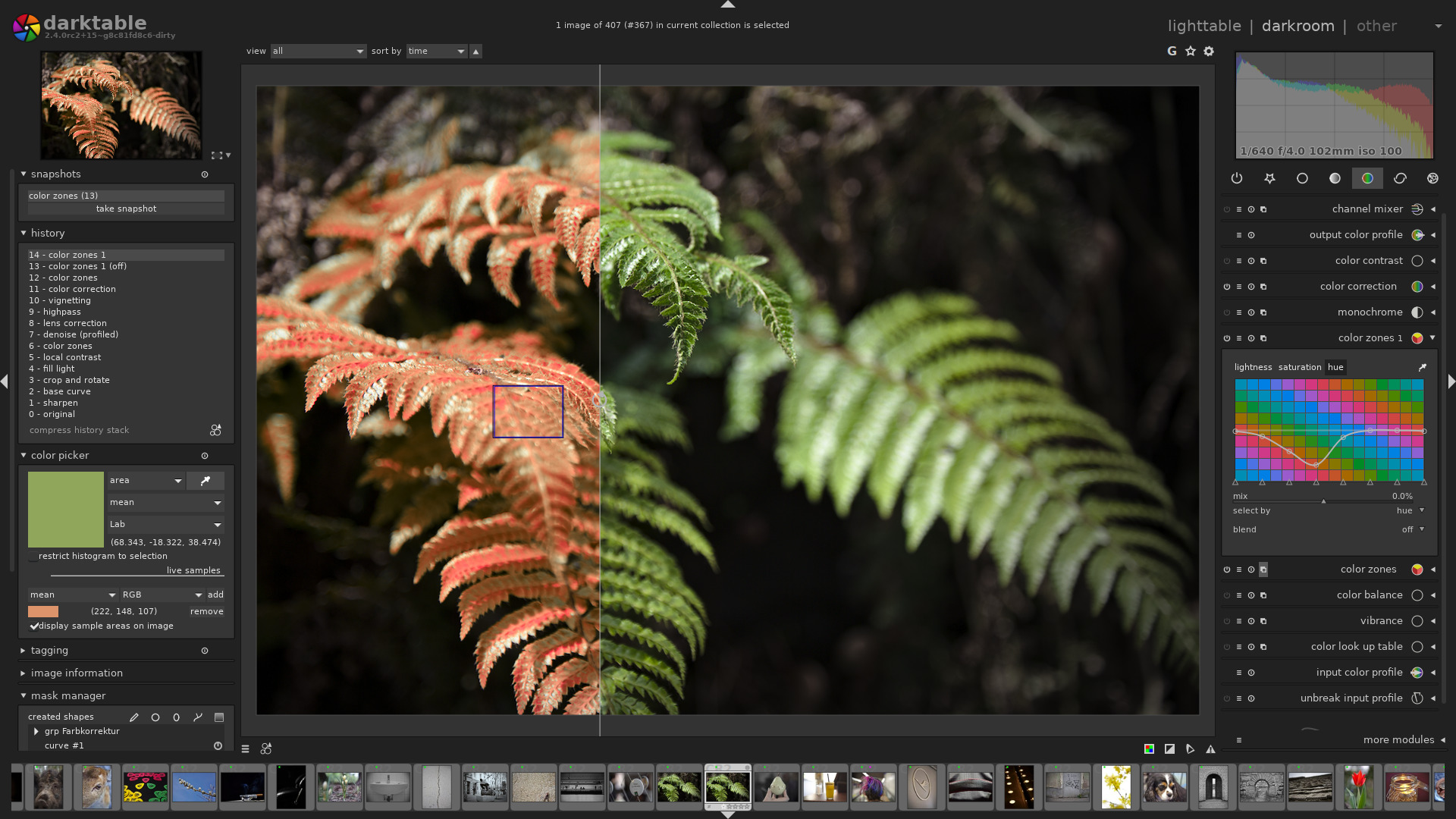

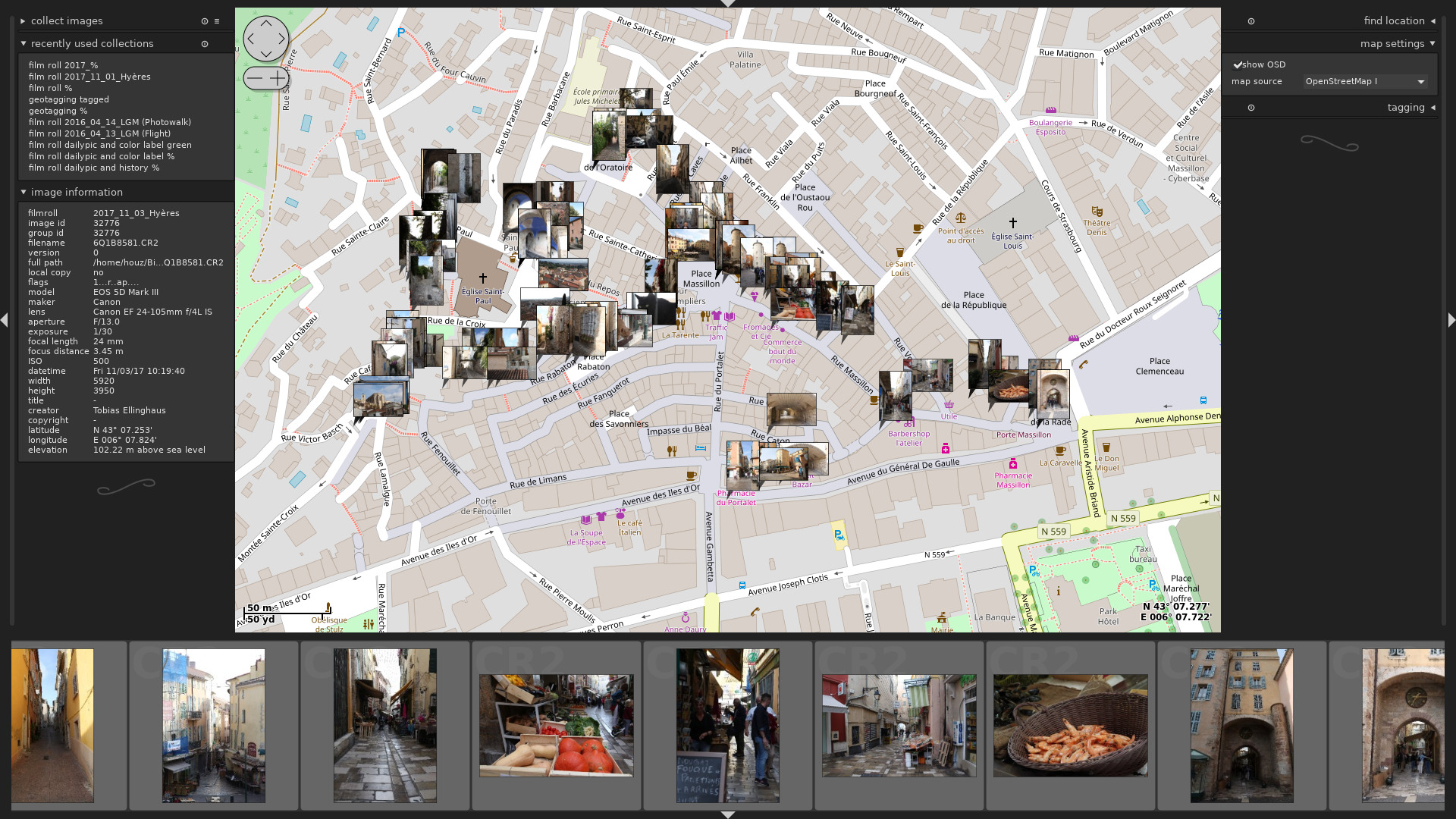
Key Features of Darktable Photo Editing
To really understand why people love Darktable, let’s look at some of its standout features:
1. Non-Destructive Editing
You can experiment without worrying about ruining your original photo.
2. Advanced Color Control
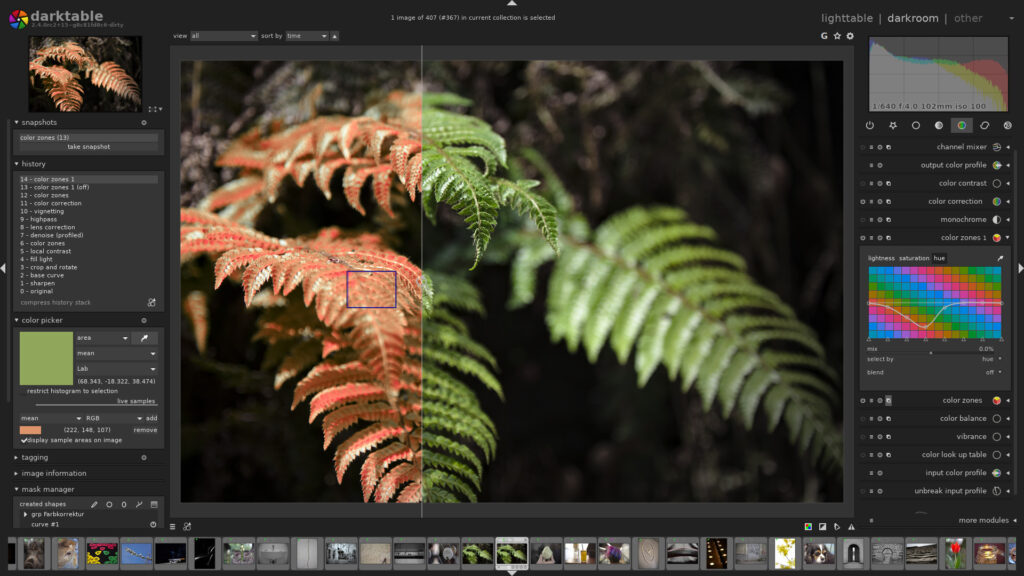
Tools like color balance, tone equalizer, and filmic RGB give you deep control over your image.
3. RAW Image Processing
Handles RAW files smoothly with high precision.
4. Masking and Blending
Apply edits only to specific areas of your photo.
5. Lighttable & Darkroom Modes
- Lighttable: organize your photos
- Darkroom: edit your images
This workflow makes darktable photo editing feel more professional than that of basic apps.
Best Workflow for Editing Photos in Darktable
Getting comfortable with darktable photo editing takes a bit of time, but these tips can speed things up:
1. Learn a Few Tools at a Time
Don’t try to master everything in one day.
2. Use Presets
Presets can save time and give you a starting point.
3. Organize Your Photos
Use tags and ratings to manage your library.
4. Watch Tutorials
Visual learning helps a lot with complex tools.
5. Practice Consistently
The more you use Darktable, the more intuitive it becomes.
Final Thoughts
Darktable photo editing is one of the best free solutions for photographers who want professional-quality results without spending money.
Is it perfect? Not really. It takes some time to get used to. But once you understand the workflow, it becomes an incredibly powerful tool.
To recap:
- Is darktable completely free? Yes, 100%.
- Can darktable edit RAW photos? Yes, and very well.
- Is darktable a good photo editor? Definitely! Especially for serious users.
If you’re ready to level up your editing skills without paying for expensive software, Darktable is absolutely worth trying.
And if you’re short on time to fix your photos, no worries! Contact us now to get free image editing services. Click here to contact our sales representative!
Image Source: darktable.org