
If you’ve ever opened Photoshop and instantly felt overwhelmed, you’re not alone. Learn Photoshop for Beginners’ Guide is designed to make things simple, practical, and actually enjoyable. No confusing jargon, no unnecessary complexity.
Whether you want to edit photos for Instagram, design thumbnails, or explore creativity, you can learn Photoshop, even from scratch.
Can I Learn Photoshop by Myself?
Short answer: Yes, 100%.
You don’t need a formal class to learn Photoshop for beginners. In fact, most people today are self-taught. With YouTube tutorials, blogs, and practice projects, learning on your own is more accessible than ever.
The key is not where you learn, but how you learn:
- Start small (don’t try everything at once)
- Practice consistently
- Focus on real projects (not just theory)
A lot of beginners get stuck because they watch too many tutorials but don’t actually do anything. Try this instead: learn one tool → use it → repeat.
Is Photoshop Easy to Learn for Beginners?
Let’s be real: Photoshop isn’t easy, but it’s not as hard as it looks.
At first, the interface might feel intimidating. Lots of panels, tools, and options. But once you understand the basics, everything starts to click.
Here’s the truth:
- The basics are easy
- The advanced stuff takes time
If your goal is to learn Photoshop for beginners, you only need to master a small set of tools to start creating great edits.
Think of it like driving:
- First day: confusing
- After a week: manageable
- After a month: natural
Same with Photoshop.
Read also: Feather Edges Tutorial
What Should Beginners Learn First in Photoshop?
If you want to learn Photoshop for beginners, truly, these are your foundation. Master these first, and everything else becomes easier.
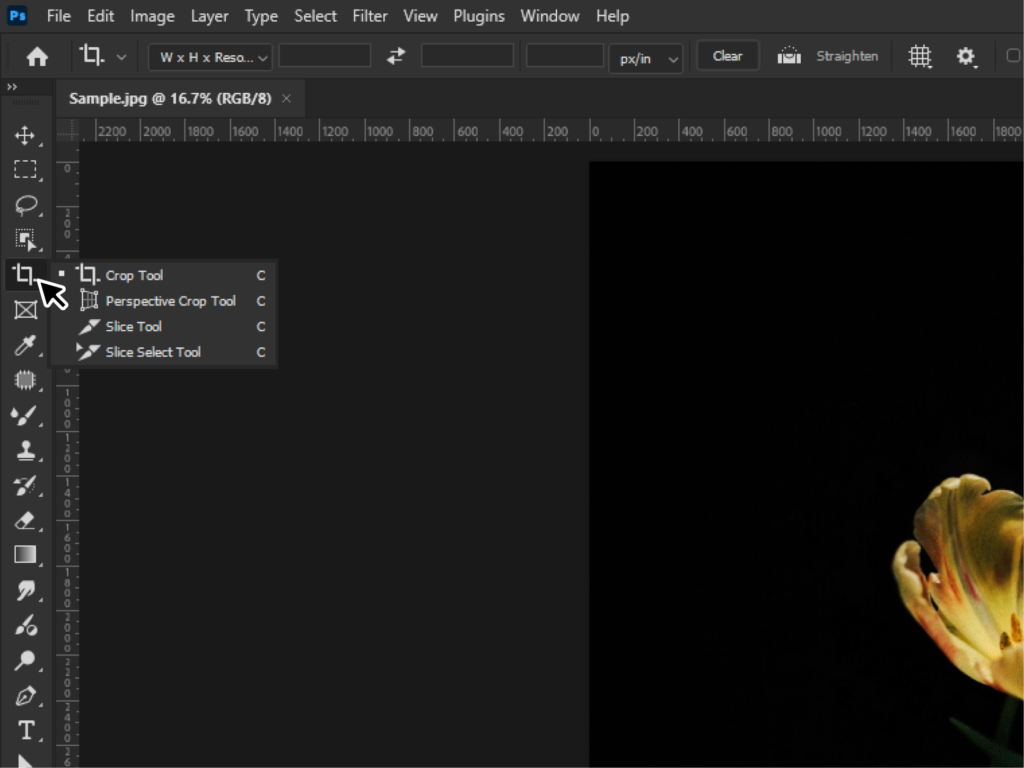
1. Cropping & Straightening
It is the simplest but most powerful edit.
- Remove distractions
- Improve composition
- Fix tilted photos
Sometimes, a good crop alone can completely transform an image.
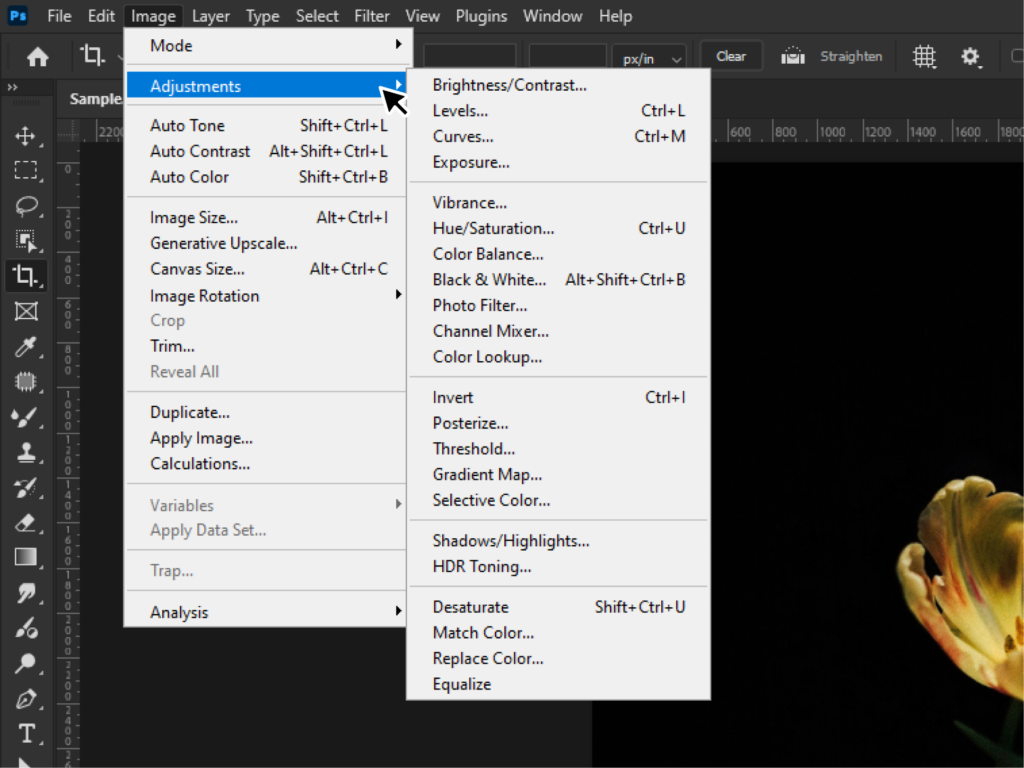
2. Exposure & Brightness
Adjust the brightness or darkness of your image.
Key controls:
- Brightness
- Contrast
- Highlights & shadows
This step makes your photo look more balanced and professional.
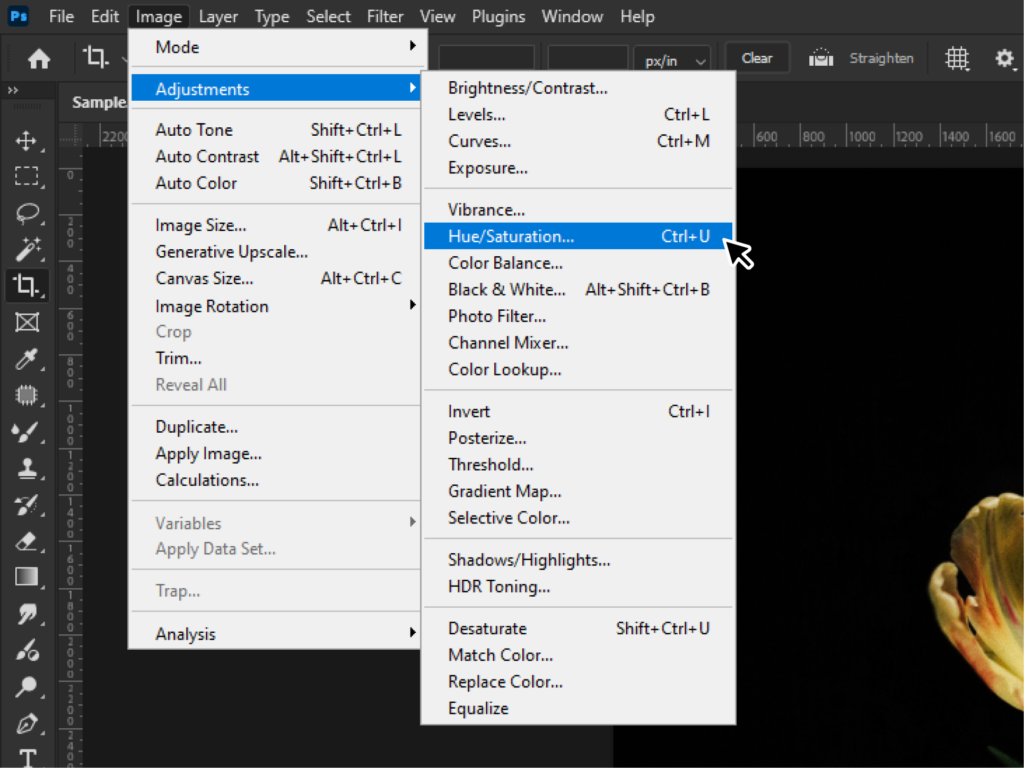
3. Color Correction
Fix colors so they look natural (or stylized).
You’ll use:
- White balance
- Saturation
- Vibrance
It is the moment when your photo begins to stand out.
Read also: Change Colors in Photoshop
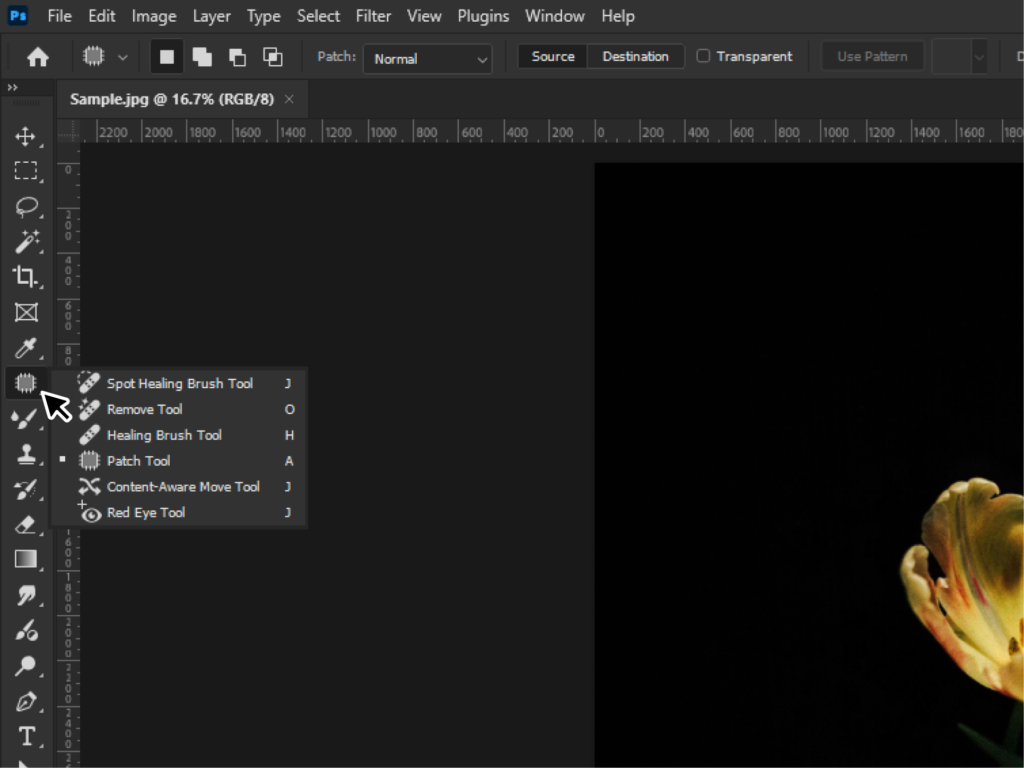
4. Retouching
Remove unwanted elements like:
- Pimples
- Dust spots
- Background distractions
Tools like the Spot Healing Brush make this surprisingly easy.
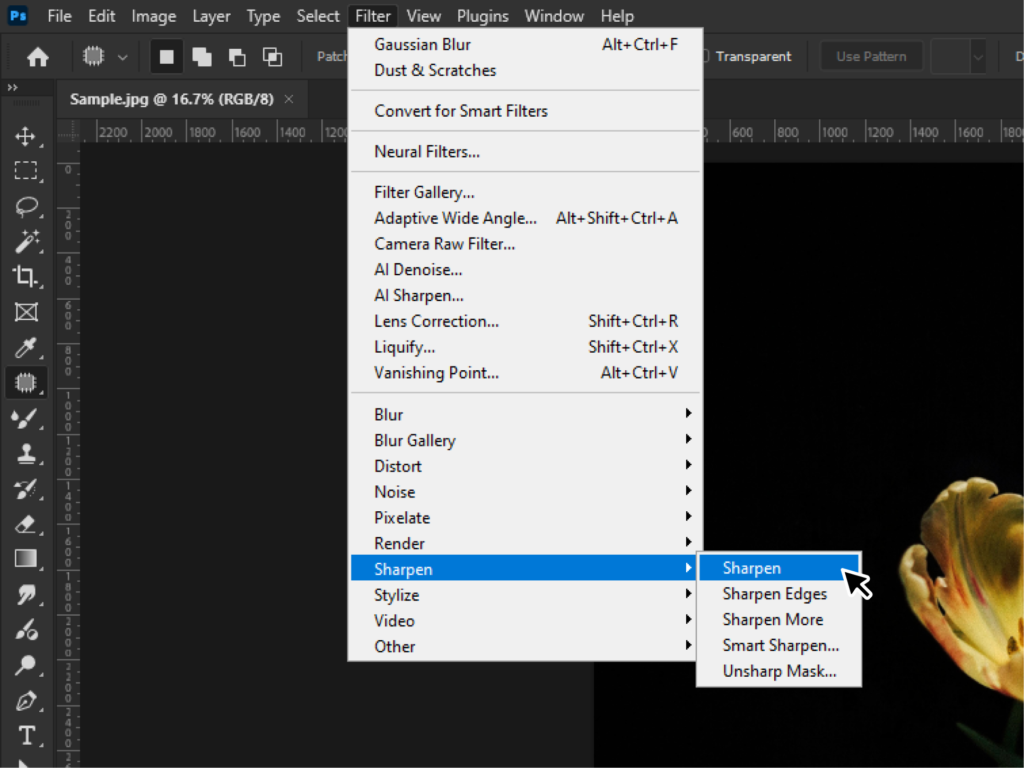
5. Sharpening
Enhance details and clarity.
But be careful, Over-sharpening can make your image look unnatural.
Best Photoshop Tools for Beginners
When starting to learn Photoshop for beginners, you don’t need all 50+ tools. Focus on these:
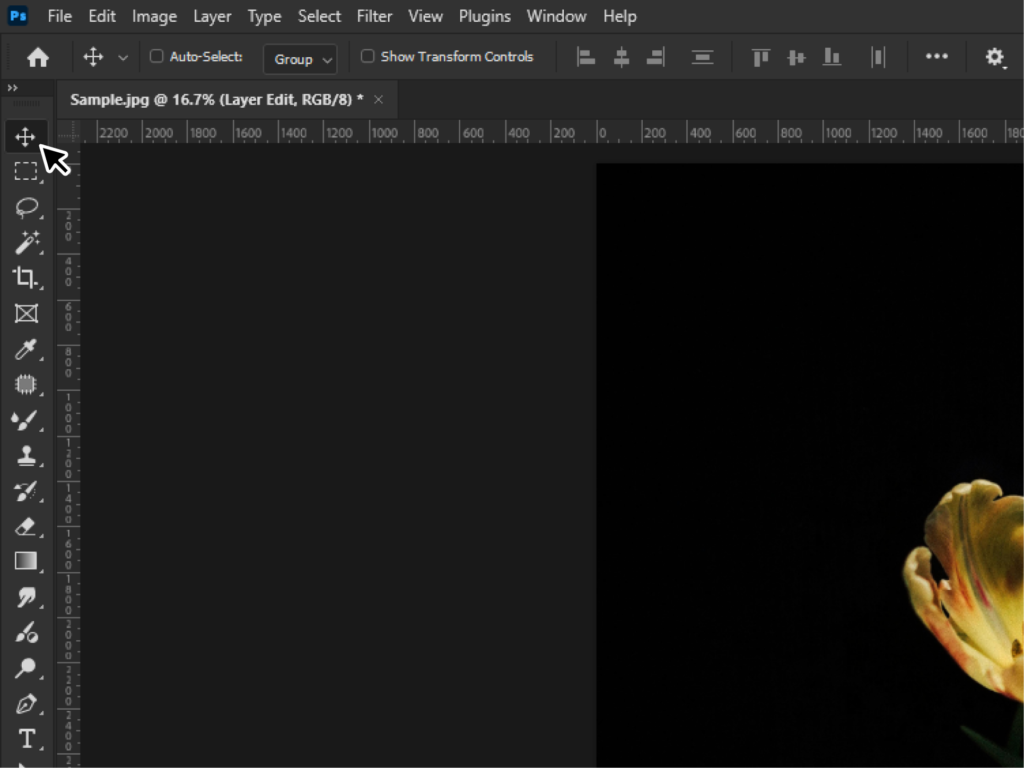
- Move Tool (V): Move objects around
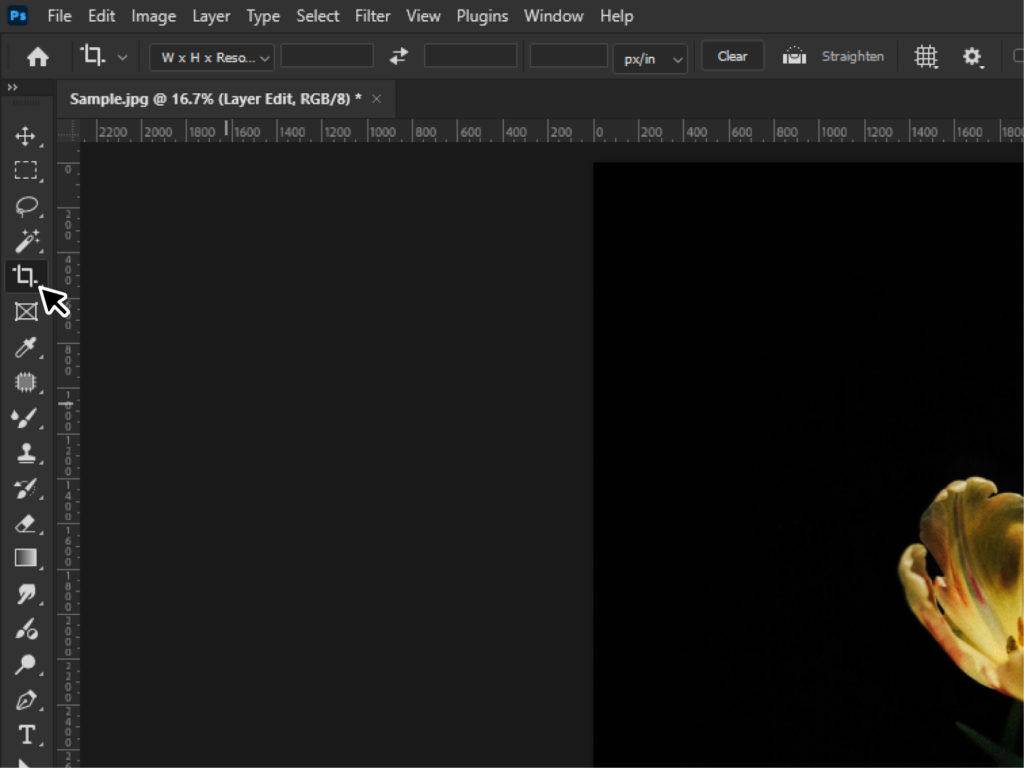
- Crop Tool (C): Resize and frame your image
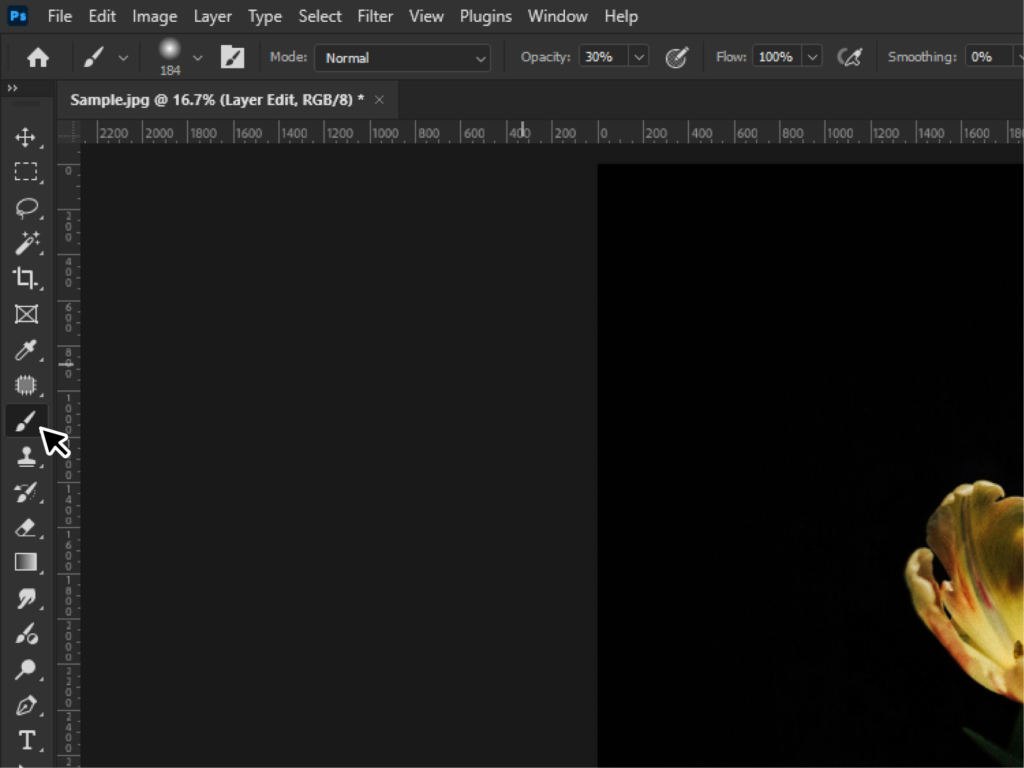
- Brush Tool (B): Paint and edit manually
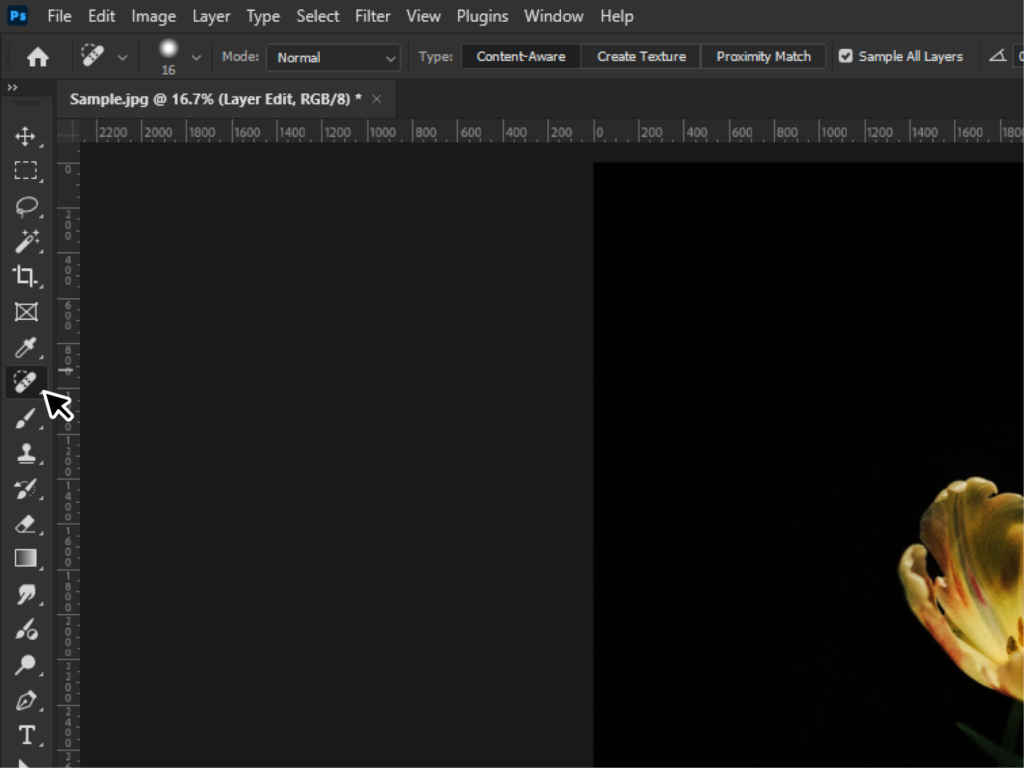
- Spot Healing Brush: Quick fixes
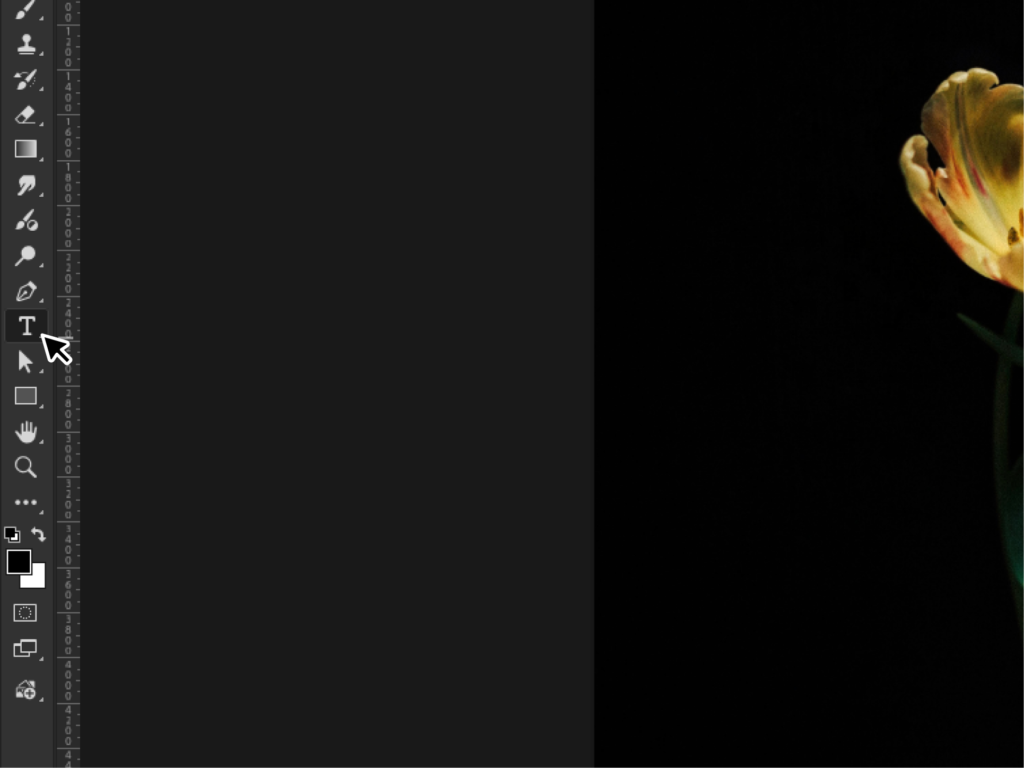
- Text Tool (T): Add text to designs
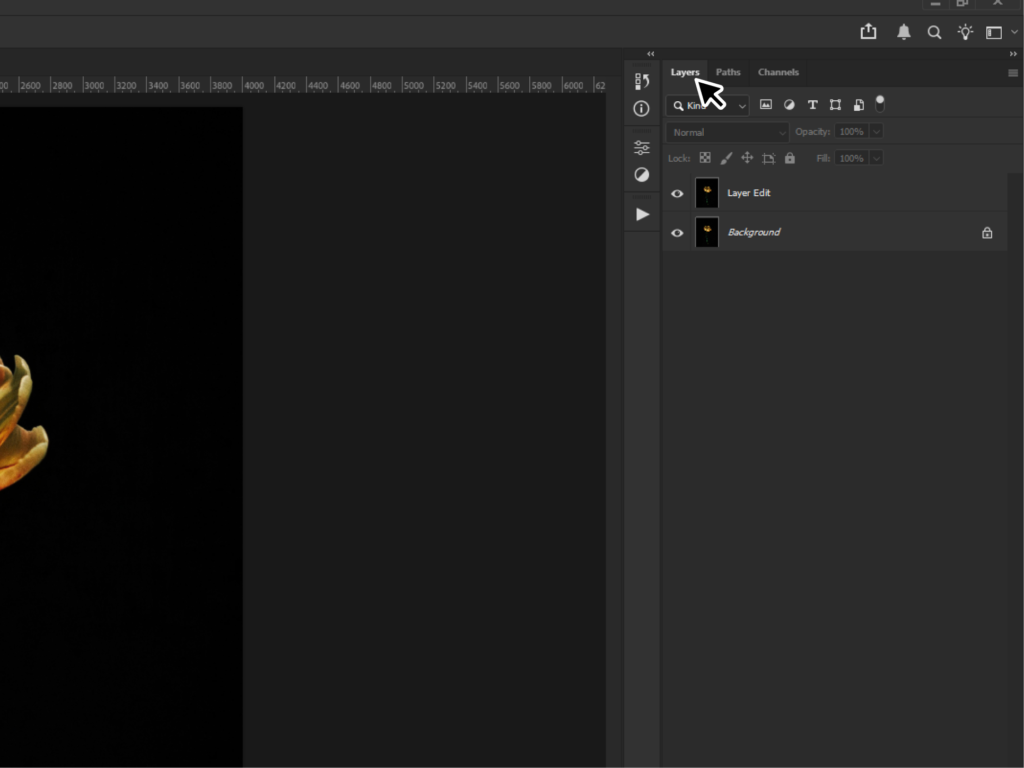
- Layers Panel: The most important feature
If you understand layers, you’re already ahead of most beginners.
Read also: Polygonal Lasso Tool
How Long Does It Take to Learn Photoshop?
It depends on your goals, but here’s a realistic breakdown:
- 1–3 days: Understand the interface and basic tools
- 1–2 weeks: Do simple edits (crop, brightness, retouch)
- 1–2 months: Create decent designs and edits confidently
- 3–6 months: Intermediate level (compositing, advanced retouching)
If you consistently practice 30–60 minutes a day, you’ll see noticeable progress fast.
The biggest mistake? Trying to learn everything at once.
Instead, focus on:
- One tool per session
- One small project per day
That’s how you actually stick with it.
Pro Tips to Learn Faster
When most beginners start learning Photoshop, the first instinct is usually to memorize every tool and menu. But honestly, that often makes the process feel more complicated than it needs to be.
A better way is to learn by doing. Instead of trying to remember everything, open a photo and start experimenting. Try recreating a simple design you like. Maybe an Instagram post, a YouTube thumbnail, or even just a clean portrait edit. It helps you understand how the tools actually work in real situations.
At first, you might spend a lot of time clicking through menus, and that’s completely normal. Over time, simple habits like using keyboard shortcuts and saving your PSD files will make your workflow much faster.
Most importantly, don’t chase perfection in your first few edits. Every designer and photo editor starts with messy projects. What really matters is seeing little progress every time you practice.
Final Thoughts
Learning Photoshop doesn’t have to be overwhelming. If you follow a structured approach, focus on the basics, and practice consistently, you’ll improve faster than you expect.
The key takeaway?
- You can learn Photoshop for beginners on your own.
- It’s not instant, but it’s absolutely doable.
- Focus on the fundamentals first.
Start small, stay consistent, and enjoy the process.
If you’re short on time to fix your photos, no worries! Contact us now to get free image editing services. Click here to contact our sales representative!
Image Source:
