

If you’re planning to sell online, product photography for Amazon isn’t just a “nice-to-have “. People can’t touch or try your product, so your photos do all the talking.
A great image can make you stop scrolling, build trust, and convince someone to hit that “Buy” button. On the flip side, bad photos? They’ll kill your conversion rate in a hurry.
In this guide, we’ll break everything down in a simple, beginner-friendly way, in just practical tips you can actually use.
What Are the Rules for Amazon Product Images?
Before you start shooting, you need to understand Amazon’s image guidelines. Breaking these rules can get your listing suppressed (yes, seriously).
Here are the key rules:
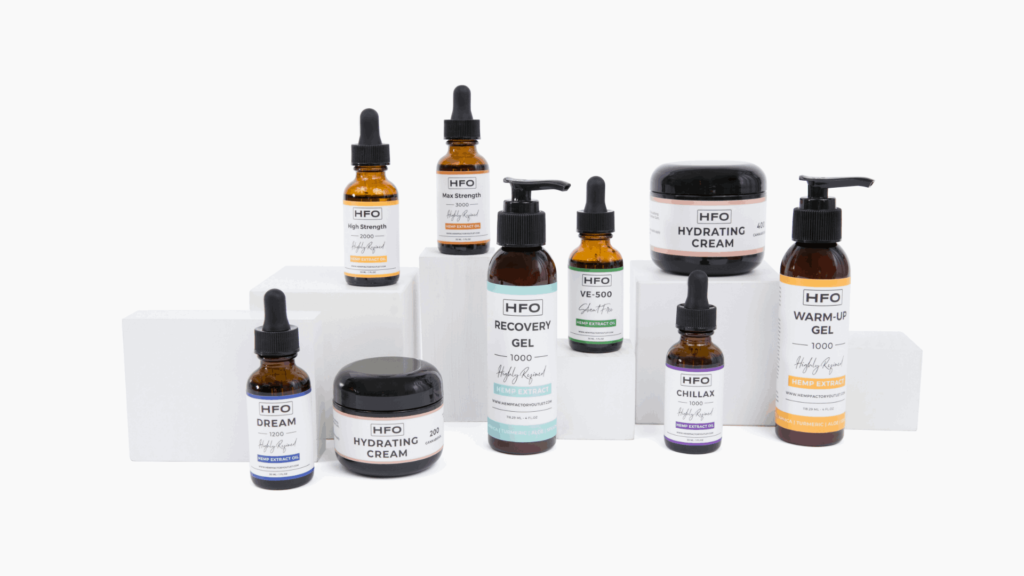
1. Pure White Background
Your main image must have a white background (RGB 255, 255, 255): no textures, no shadows, no props.
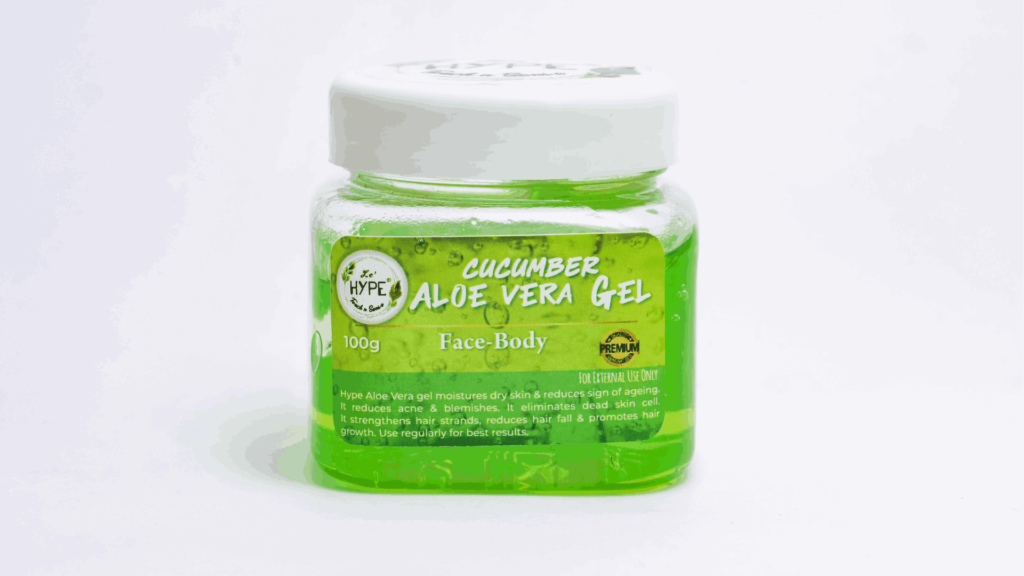
2. Product Must Fill 85% of the Frame
Your product should be large and clearly visible. Avoid tiny or distant shots.
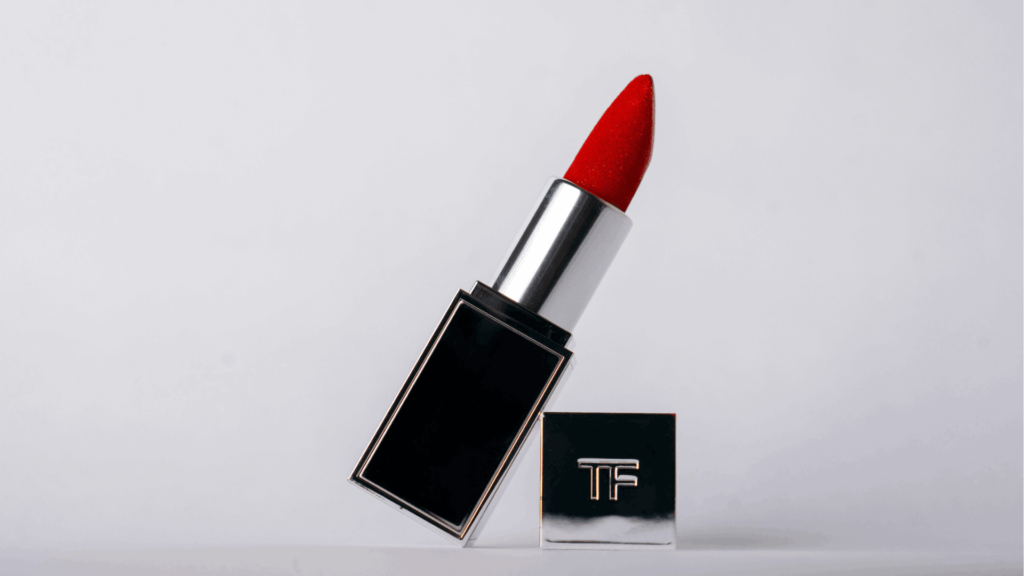
Read also: Beauty Product Photography
3. High Resolution
Images should be at least 1000px on the longest side. It enables Zoom functionality, which increases conversions.

4. No Text or Graphics (Main Image)
No logos, badges, or promotional text on the main image.
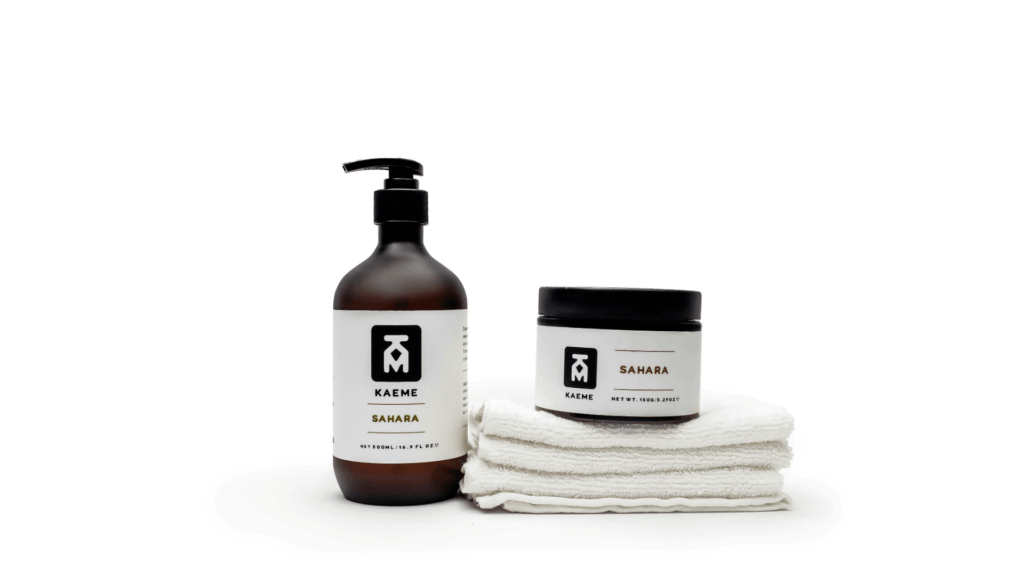
5. Show Exactly What’s Included
Don’t mislead buyers. If it’s not included, don’t show it.
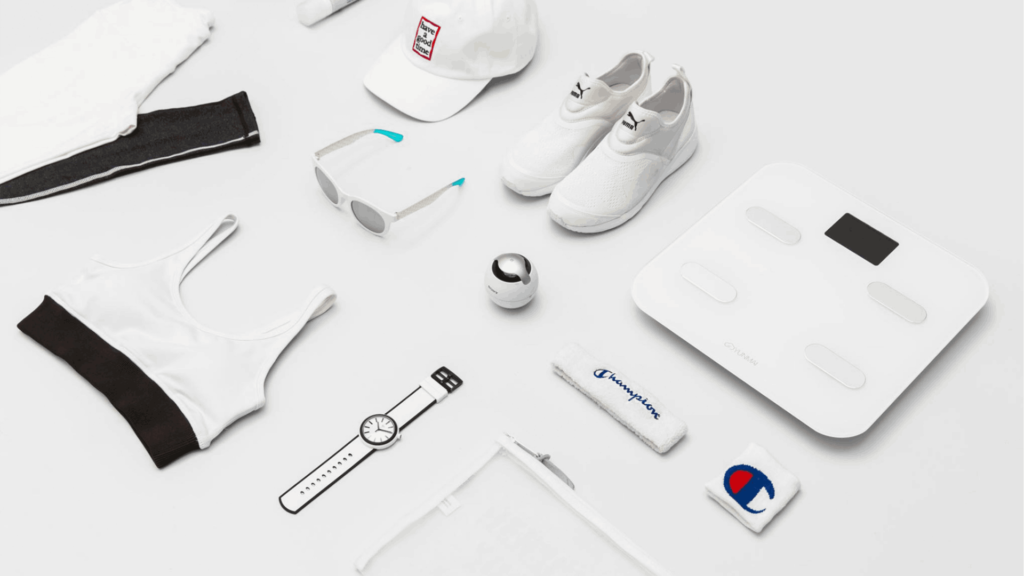
6. Use Multiple Angles
You can upload up to 9 images. Use them wisely:
- Front view
- Side view
- Close-up details
- Lifestyle shots
- Packaging
Following these rules is the foundation of effective product photography for Amazon.
Amazon Product Photo Requirements
To make your product photography for Amazon fully compliant and optimized, here’s a quick checklist you should always follow:
Technical Requirements
- File format: JPEG (.jpg) is recommended
- Color mode: sRGB or CMYK
- Image size: Minimum 1000px (longest side), ideally 2000px for zoom
- Max file size: 10MB
- Naming: Use clear, relevant file names (helps with organization)
Main Image Requirements
- Pure white background (mandatory)
- Product only (no accessories unless included)
- No humans or models
- No shadows, reflections, or props
- No borders or watermarks
Read also: High Volume Image Editing
Additional Image Guidelines
- Lifestyle images are allowed (show product in use)
- Infographics can be used (features, dimensions, benefits)
- Close-ups to highlight details and quality
- Use models only if they help demonstrate the product
Framing & Composition
- The product should be centered
- Avoid excessive space
- Keep consistent angles across all images
- Maintain a clean and balanced composition
How to Shoot Product Photography for Amazon
You don’t need a super expensive studio to get started. A simple setup can still produce amazing results.
1. Use Good Lighting (Natural is Fine)
Lighting is everything. Soft, even light works best.
- Shoot near a window
- Avoid harsh shadows
- Use whiteboards to reflect light
2. Choose the Right Background
For the main image: pure white.
For additional images: lifestyle backgrounds are okay.
You can use:
- White paper roll
- Foam board
- DIY lightbox
3. Use a Tripod
Blurry images = instant turn-off. A tripod keeps everything sharp and consistent.
4. Shoot from Multiple Angles
Don’t rely on just one shot. Capture your product from different perspectives so buyers understand it fully.
5. Focus on Details
Zoom in on textures, materials, and key features. These shots build trust.
6. Edit Your Photos Properly
Use tools like:
- Adobe Lightroom
- Photoshop
- Free apps like Snapseed
Adjust:
- Brightness
- Contrast
- Background cleanup
Keep edits natural. Don’t overdo it.
7. Follow Amazon Format
Export your images in JPEG format with high quality and correct dimensions.
This step-by-step approach makes product photography for Amazon doable even for beginners.
How Amazon Product Photography Increases Sales
Let’s be real! Better photos = more money. But why?
1. First Impressions Matter
Your image is the first thing people see in search results. If it stands out, you get the click.
2. Builds Trust Instantly
Clear, professional images signal that your brand is legit.
Blurry or low-quality photos? People assume the product is low quality, too.
3. Reduces Buyer Confusion
Showing multiple angles and details helps customers understand exactly what they’re getting.
Less confusion = fewer returns.
4. Improves Conversion Rate
When customers feel confident, they buy. It’s that simple.
High-quality product photography for Amazon directly impacts:
- Click-through rate (CTR)
- Conversion rate
- Overall sales
5. Helps You Compete
Even if your product is similar to others, better photos can make you stand out in a crowded marketplace.
Read also: Commercial Product Photography
Final Tips for Better Results
Before you wrap up your shoot, keep these quick tips in mind:
- Keep your style consistent across all images
- Study top competitors’ listings
- Test different image styles
- Always prioritize clarity over creativity
You don’t need to be a professional photographer to win on Amazon, but you need to understand what works.
Conclusion
At the end, product photography for Amazon is one of the most powerful tools you have to grow your sales. You can have the best product in the world, but if your photos don’t show it properly, people won’t buy.
Just start simple. Focus on lighting, clarity, and following Amazon’s rules. As you improve, your images and your sales will level up too.
If you’re short on time to fix your photos, no worries! Contact us now to get free image editing services. Click here to contact our sales representative!
Image Source:
