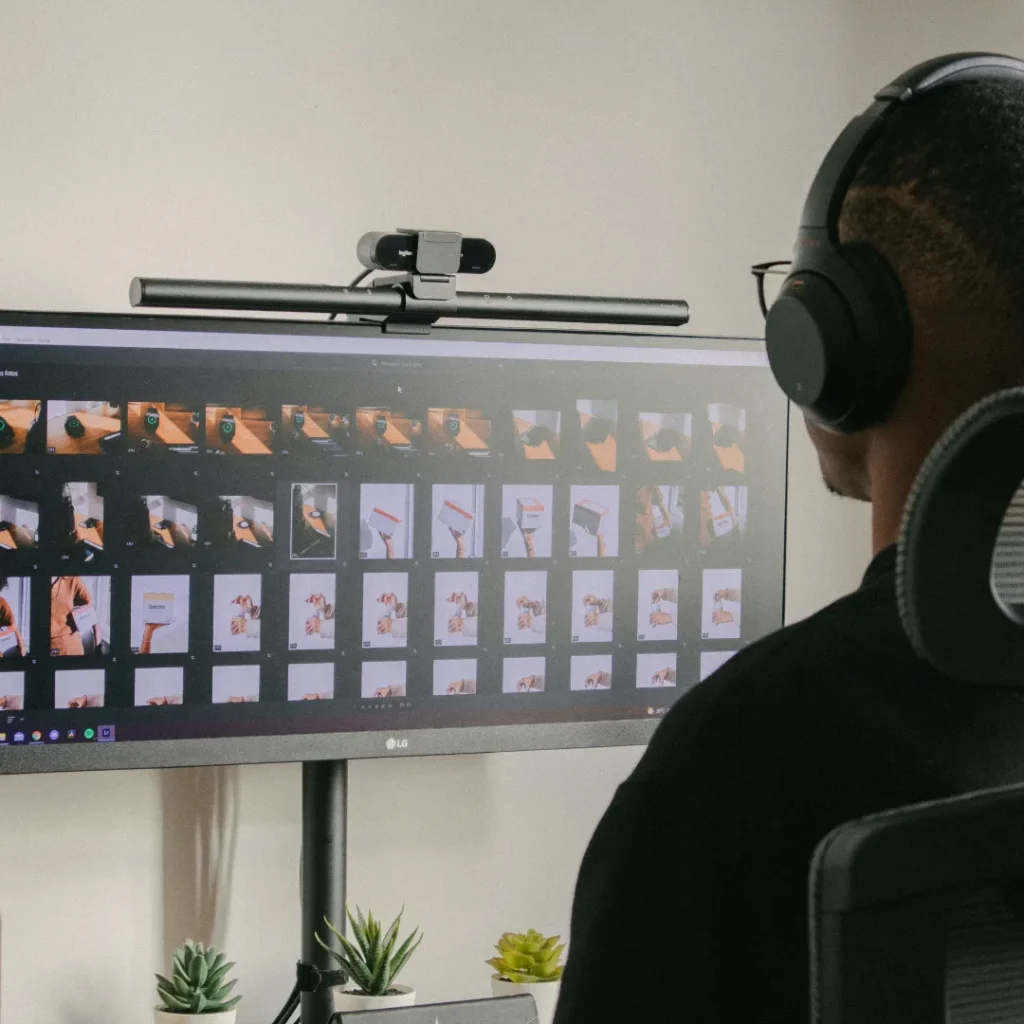
Every ecommerce team editing images at volume eventually asks the same question: how much of this can be automated? The honest answer is that some parts of product photo editing automate extremely well, and some parts quietly get worse the more they’re handed to automation, and knowing which is which matters more than adopting automation broadly for its own sake.
Tasks That Automate Well
Resizing and format conversion. Converting a batch of images to the correct dimensions and file format for a given platform is repetitive, rule based, and has a clear right answer. This is close to an ideal automation task, since there’s little judgment involved and the input to output relationship is entirely predictable.
Basic background removal on simple, high contrast products. Products with a clean, solid colored edge against a plain background, boxes, bottles, simple shapes, are increasingly well handled by automated background removal tools. The clearer the product’s edge, the more reliably automation performs.
Batch renaming and metadata tagging. Applying consistent file names or metadata tags across a large batch of images, based on a known naming convention, is exactly the kind of repetitive, rule based task automation handles reliably and saves significant manual time on.
Applying a consistent color profile or export setting across a batch. Converting a whole batch of finished images to the same color space or compression setting for publishing is another low judgment, high volume task well suited to automation.
Tasks That Automate Poorly
Masking transparent, reflective, or fine detailed edges. As covered in our guide on masking glass, jewelry, and reflective products, these materials require judgment about which reflections to preserve and which to remove, a distinction automated tools still struggle with consistently.
Color correction against a real, physical product sample. Automated color correction can match colors to a target reference, but it can’t independently judge whether that reference is actually accurate to the real product. That judgment call still generally needs a human comparing the file to the item in hand.
Retouching decisions with an ethical or representational dimension. As covered in our guide on where retouching crosses into misrepresentation, deciding whether an edit still honestly represents a product is a judgment call, not a rule that can be automated reliably, since the right answer depends on context an algorithm doesn’t have access to.
Final quality control before publishing. Automated tools can flag technical issues (wrong dimensions, missing color profile), but confirming that an image is actually publish ready, accurately representing the product, correctly cropped, free of subtle artifacts, still benefits from a human final check, particularly for a brand’s flagship or hero images.
A Practical Way to Decide
A useful test is whether a task has one correct, rule based answer, or requires weighing context and judgment. Resize to 2000 pixels has one correct answer. Should this reflection be removed from this ring does not, it depends on what the reflection actually shows and whether removing it would misrepresent the material. Tasks in the first category are strong automation candidates. Tasks in the second category benefit from staying human led, even if a tool assists partway through the process.
Why Over Automating Has Real Costs
Pushing judgment heavy tasks into automation to save time often creates a different, more expensive cost later: inconsistent quality that erodes customer trust, or errors that only get caught after images are already live. The time saved on the editing side can end up spent many times over on customer complaints, returns, or a rushed correction cycle once a systemic automation error is discovered across an entire batch rather than one image.
Also read: Preparing Product Photos for Print Catalogs and Packaging
Frequently Asked Questions:
1. Should a small ecommerce business bother automating any part of photo editing?
Yes, particularly for repetitive, rule based tasks like resizing, format conversion, and file renaming, even at a modest catalog size. These tasks save real time with very low risk, regardless of business size.
2. Can AI background removal fully replace manual masking?
For simple, high contrast products, often yes. For products with transparency, reflections, or fine detail like hair or fur, manual or specialist attention still generally produces more reliable results than fully automated tools.
3. What’s the biggest risk of over automating photo editing?
Judgment dependent tasks, like accurately representing a product’s true color or deciding what counts as acceptable retouching, tend to produce inconsistent or misleading results when handled purely by automation without human review.
4. How can a team decide what to automate first?
Starting with tasks that have one clear, rule based correct answer, resizing, format conversion, consistent metadata tagging, tends to offer the best return with the lowest risk, before considering automation for anything involving representational judgment.