
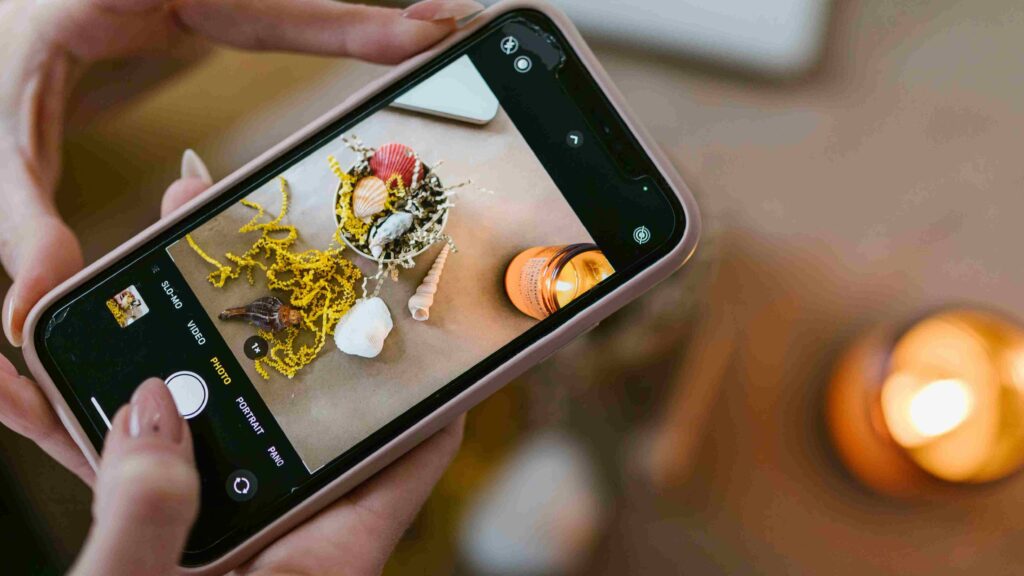
In today’s tech-driven world, mobile phone picture photography has become a popular and accessible hobby, even for beginners. Thanks to modern phone cameras, you no longer need a DSLR to capture stunning images.
But to truly stand out, you need more than just good hardware. Here are 5 powerful tips to help you shoot better photos with your mobile phone and start capturing moments like a pro.
Tips for Better Using Mobile Phone Picture Photography
1. Keep Your Camera Lens Clean

Smartphones go through a lot—into pockets, bags, and hands, which means their lenses often get smudged or dirty. A dirty lens results in blurry, low-quality photos.
✅ Pro Tip:
- Use a microfiber cloth or lens cleaner
- Clean before every shoot
- Avoid wiping with your shirt or fingers
A clean lens improves clarity, contrast, and focus in every shot you take.
2. Avoid Using Digital Zoom

Most smartphones use digital zoom, which simply crops the image and reduces quality. Instead of zooming in, move closer to your subject whenever possible.
✅ Why this works:
-
Maintains resolution
-
Preserves image sharpness
-
Avoids pixelation and blur
Remember: “The best zoom is your feet.”
Read also: DIY Resizing Image in Your Post-production
3. Apply The Rule of Thirds

Composition is everything. One of the simplest ways to improve it is by using the Rule of Thirds.
Most camera apps offer a grid overlay with two vertical and two horizontal lines. Place your subject where these lines intersect for a more balanced, visually appealing photo.
✅ Use it for:
-
Landscapes
-
Portraits
-
Product shots
This technique turns an average shot into a professionally composed image.
4. Take Multiple Shots from Different Angles

5. Use Editing Tools to Maximize Results
Even the best shots can be enhanced with photo editing apps. Use tools like Lightroom Mobile, Snapseed, or VSCO to adjust brightness, contrast, sharpness, and colors.
✅ Editing checklist:
-
Crop and straighten
-
Adjust exposure and saturation
-
Apply subtle filters to create mood
-
Avoid over-editing
You can also use professional retouching services like Dropicts to turn your best shots into high-quality final images.
Final Thoughts
Great mobile photography doesn’t depend on the latest phone model—it depends on technique. By following these 5 powerful tips for better mobile phone picture photography, even beginners can create shots that look professional.
Keep practicing, keep exploring, and don’t hesitate to experiment. The best photographers aren’t those with expensive gear, but those with creative vision and consistency.
Image Source:
