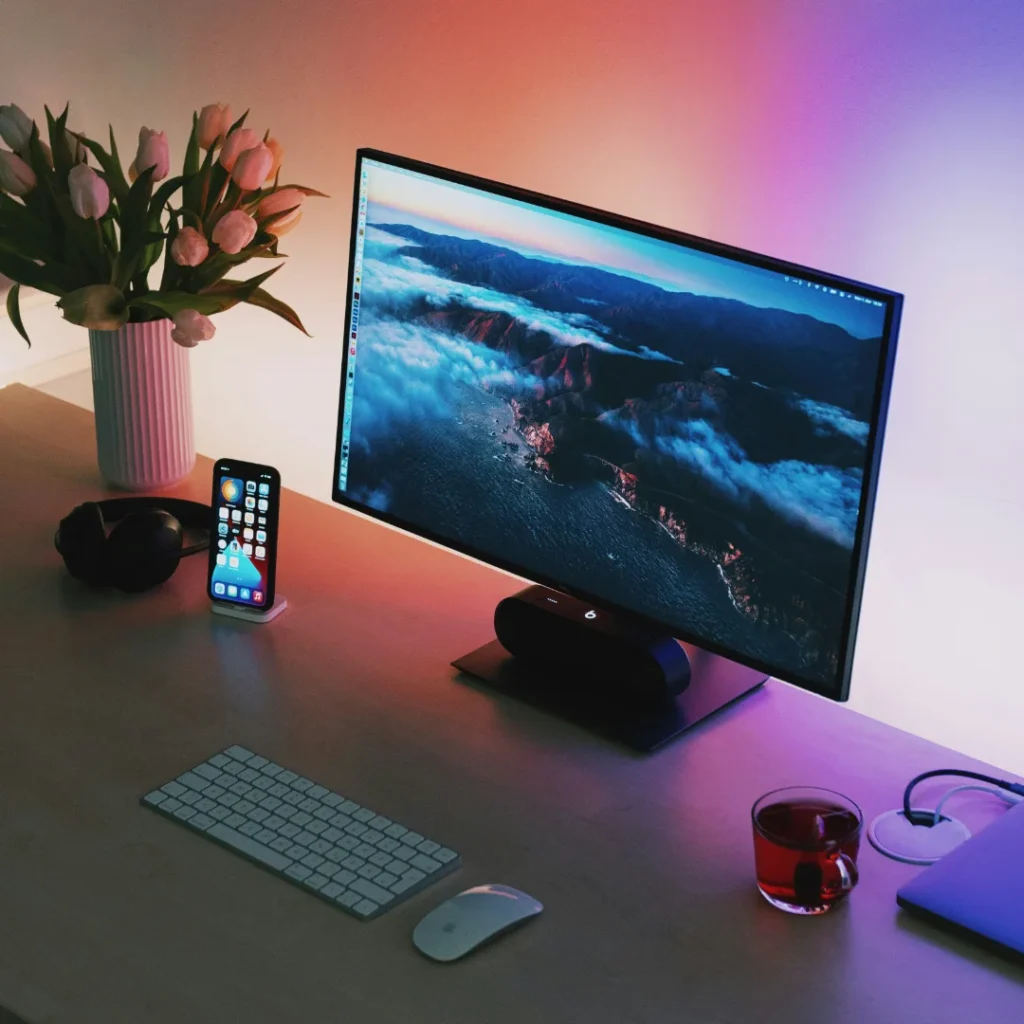
You color correct a product photo until it looks exactly right, sRGB converted, white balance dialed in, everything by the book. Then someone opens the same file on a different computer and says the color looks off. If you’ve done everything else correctly, the next place to look is the thing you’re staring at the whole time you edit: your monitor itself.
Why an Uncalibrated Monitor Undermines Everything Else
Every monitor, straight out of the box, has its own particular bias in brightness, contrast, and color, and that bias varies from unit to unit even within the same model line. A monitor that runs slightly too warm will make you unconsciously correct colors to look right on that specific screen, nudging them slightly cool to compensate. The file itself ends up with a color cast baked in, even though every technical step, sRGB conversion, correct white balance, was done properly.
This is a genuinely different problem from the ones covered in our guides on sRGB and white balance. Those are about the data in the file being correct. Monitor calibration is about whether you can actually trust what you’re seeing while you make those decisions in the first place. Get the file right but view it on a wrong displaying monitor, and you’ll make corrections that undo the very accuracy you were trying to achieve.
Calibration vs Profiling, and Why Both Matter
Calibration adjusts the monitor itself, brightness, contrast, and color balance, to a known, consistent target state.
Profiling then measures how that calibrated monitor actually renders color and creates a color profile describing it, so that color managed software can display images accurately based on that specific monitor’s real behavior.
Together, these two steps mean that what you see on screen is a reliable representation of the actual file data, rather than whatever that particular monitor happens to prefer showing.
How to Calibrate a Monitor Properly
Use a hardware colorimeter, not just your eyes. A colorimeter is a small device that sits against the screen and measures the actual light it emits. Adjusting a monitor by eye alone is unreliable, since human color perception shifts based on room lighting, fatigue, and even what you looked at moments before.
Control your room lighting. Ambient light, especially direct sunlight or strongly colored wall paint, affects how your eyes perceive the screen even if the monitor itself is calibrated correctly. A neutral, dim, consistent editing environment matters as much as the calibration itself.
Recalibrate on a schedule, not just once. Monitors drift over time as backlights age, typically recommended every few weeks for serious color work. A calibration done a year ago may no longer reflect how the monitor currently displays color.
Be cautious with phone camera based calibration apps. Some newer apps use a phone’s camera to approximate monitor calibration. These can offer a rough improvement over no calibration at all, but a dedicated colorimeter remains more reliable, since phone cameras, their own image processing, and screen reflections all introduce variables a purpose built measuring instrument avoids.
Why This Matters More for Teams Than Solo Editors
If a product photo passes through several people, a photographer’s monitor, an editor’s monitor, a manager’s laptop for approval, each uncalibrated screen introduces its own bias into judgment calls made at that stage. A photo can look “corrected” at every step and still end up inconsistent, simply because everyone involved was looking at a slightly different version of the same file without realizing it. Calibrating every monitor in that chain to the same standard is what actually makes color decisions consistent across a team, not just individually accurate.
Also read: Seamless Paper vs Vinyl vs Fabric: Choosing a Product Photography Backdrop
Frequently Asked Questions:
1. Do I really need a hardware colorimeter, or can I calibrate by eye?
Calibrating by eye is unreliable, since human color perception shifts with room lighting, screen brightness memory, and fatigue. A hardware colorimeter measures the screen’s actual output directly, which is far more consistent and repeatable.
2. How often should a monitor be recalibrated?
Serious color work generally calls for recalibration every few weeks, since monitor backlights and color output drift gradually over time even without any visible change to the user.
3. Can I trust my monitor if I’ve never calibrated it?
Not fully. Every monitor has some degree of factory variation in brightness, contrast, and color balance, and without calibration, there’s no way to know how far off yours might be from an accurate reference.
4. Does monitor calibration matter if my photos are already in sRGB?
Yes. sRGB determines what colors a file should represent. Monitor calibration determines whether you’re actually seeing those colors accurately while editing. Getting the file’s color space right doesn’t help if the monitor displaying it is misrepresenting those colors during the editing process itself.